
Everyday duo
30s · With audio
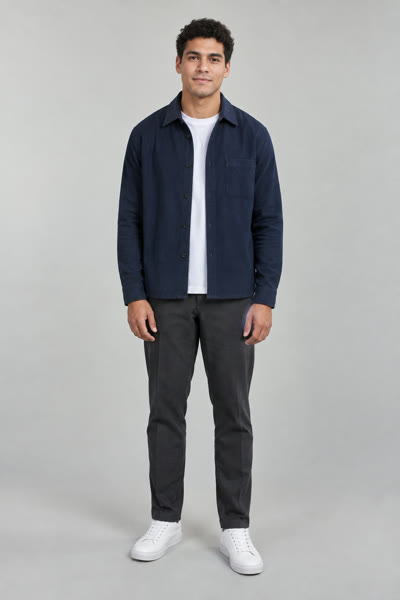
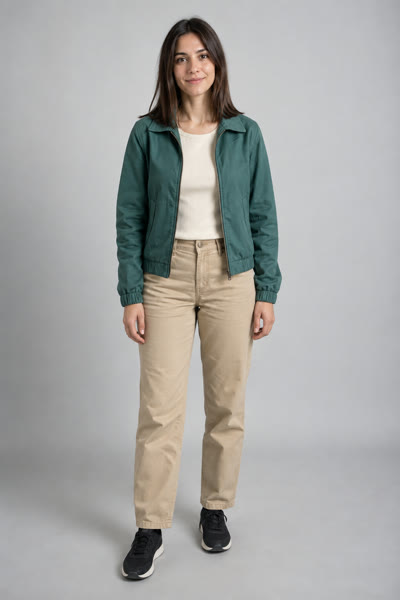
Hotel Lobby AI Video
Upload one photo for each person, describe your scene, and continue with the video agent to create a two-person video.
Add a photo for each person. Person 1 starts on the left, person 2 on the right.
Two photos, two identities. Your photos are sent as separate identity references. Review the generated result for both people and their positions; matching an exact performance requires an appropriate motion reference.
Examples / 01
Explore four reference clips alongside their original portraits. These examples come from hotellobbyvideo.com and were not generated by this site.
30s · With audio
30s · With audio
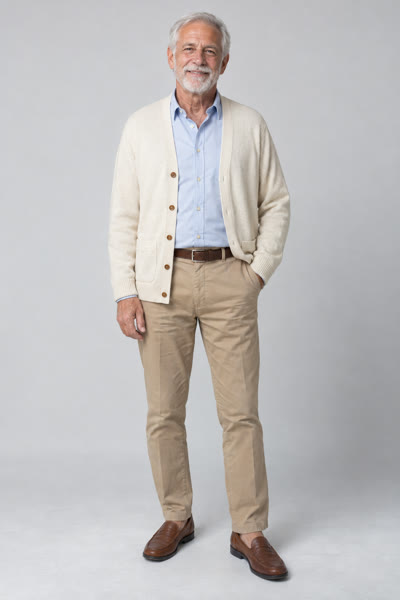
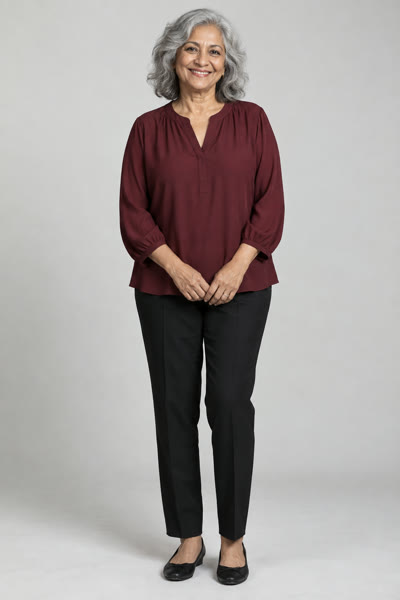
30s · With audio
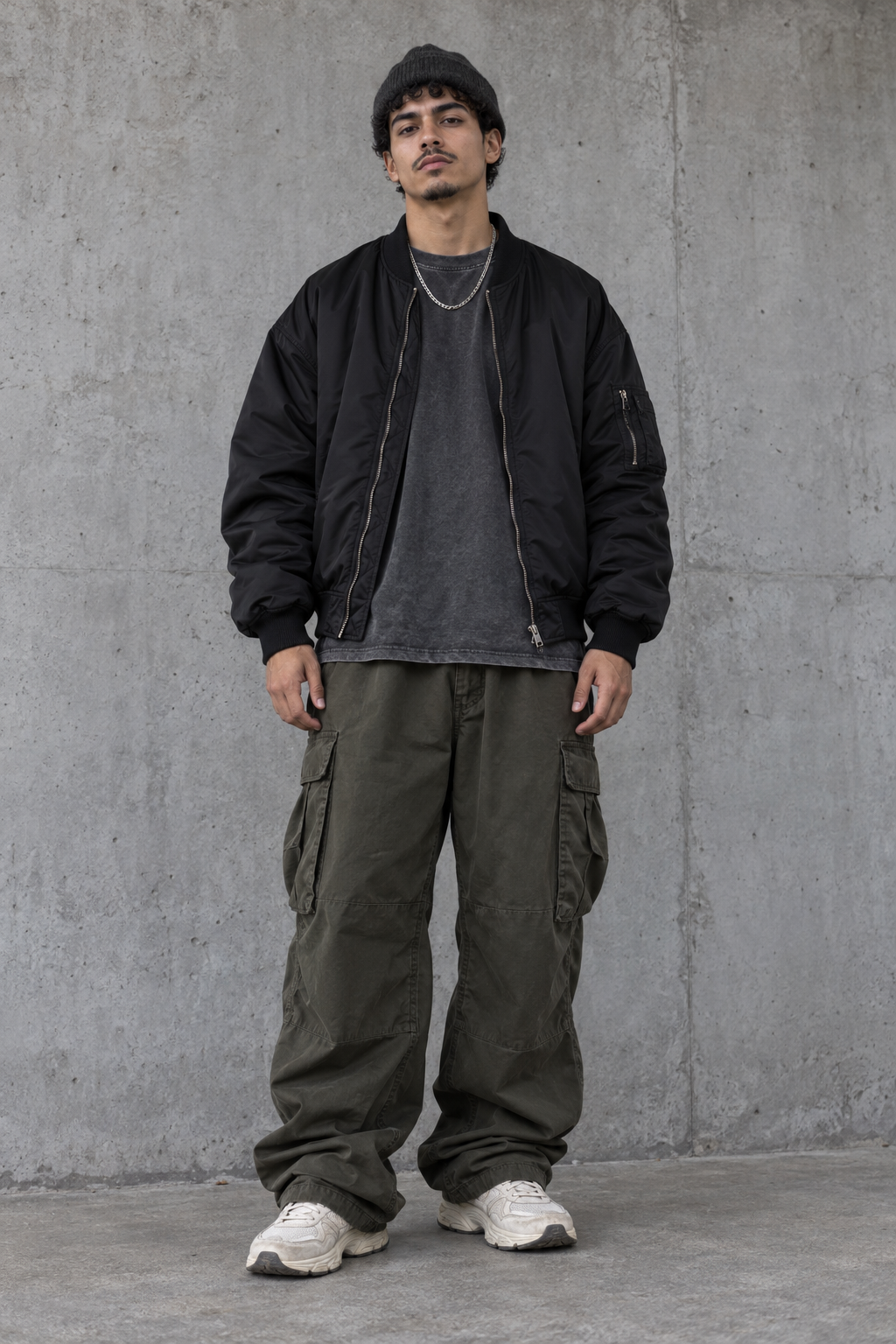
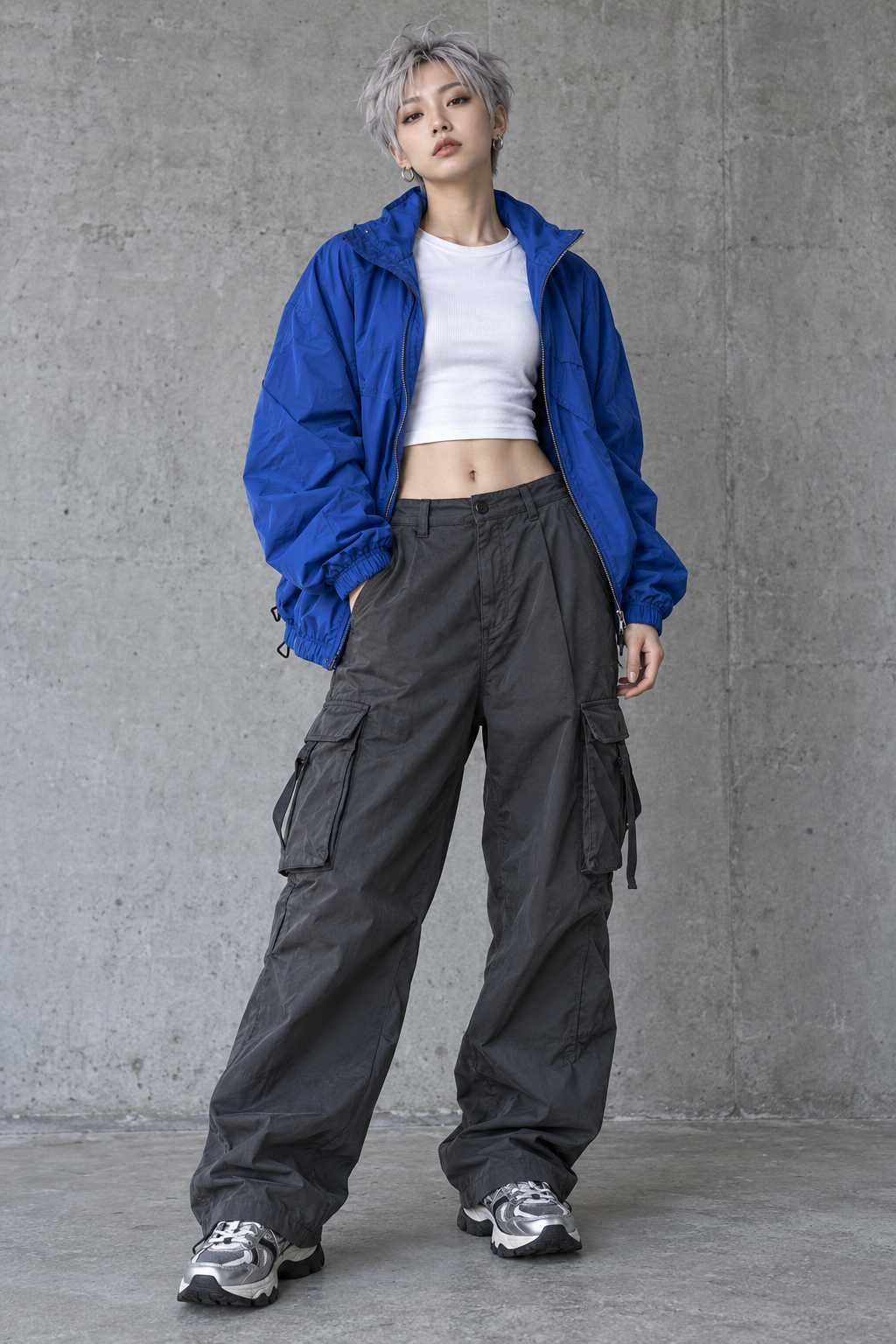
720p · 10s · With audio
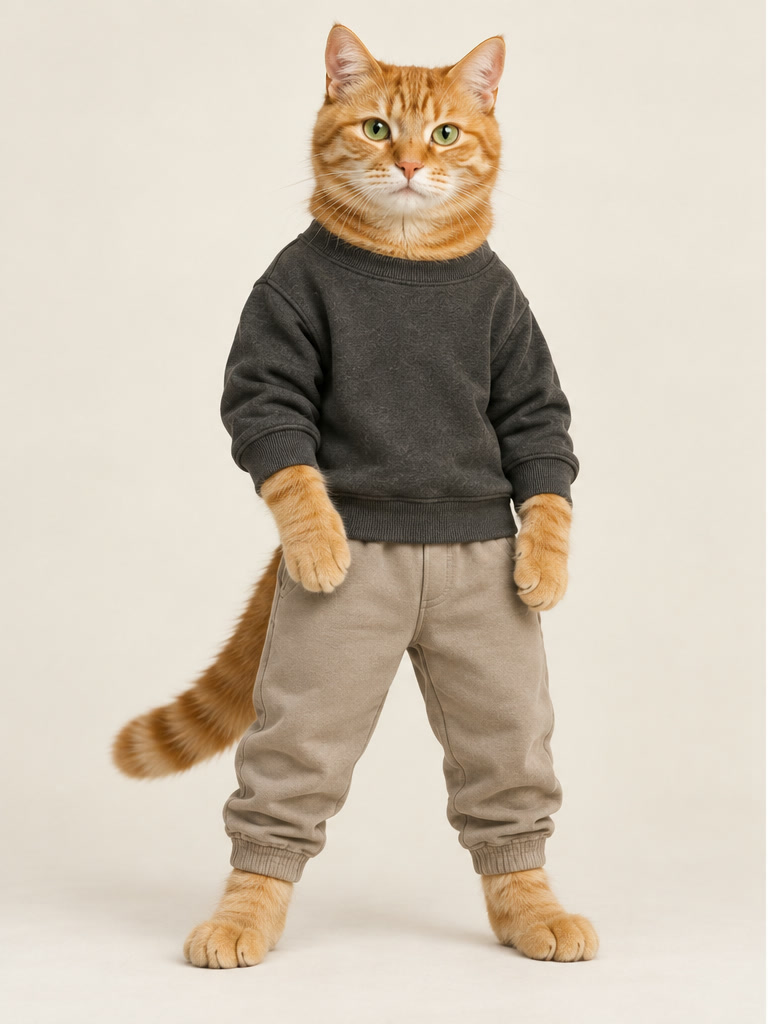
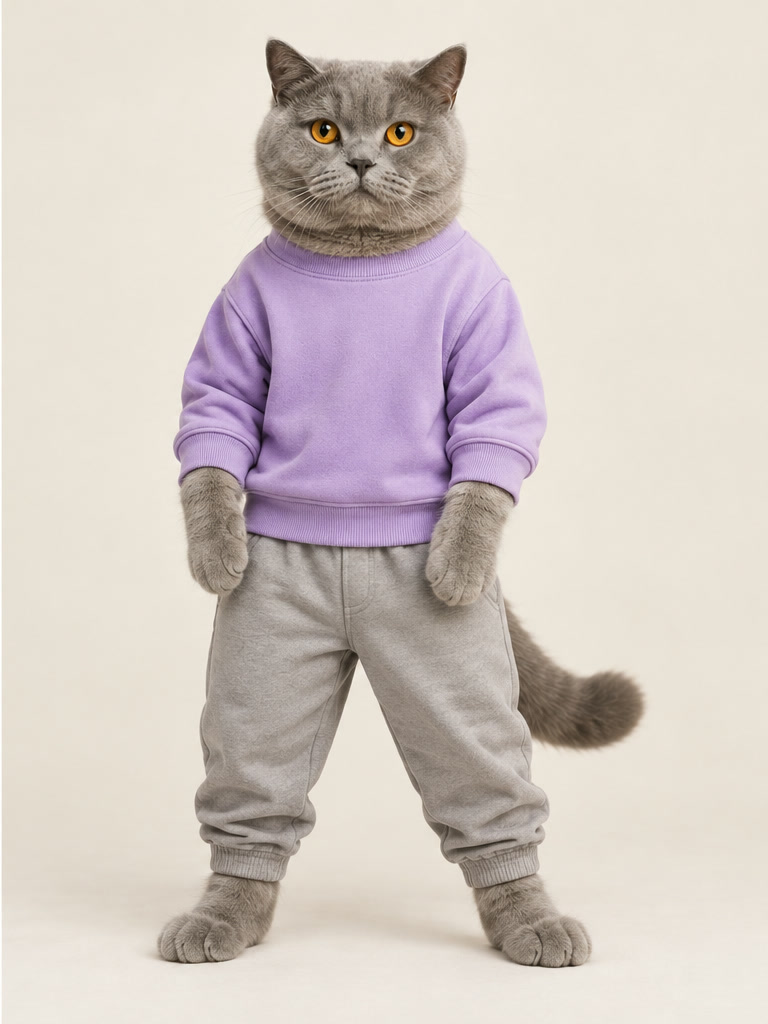
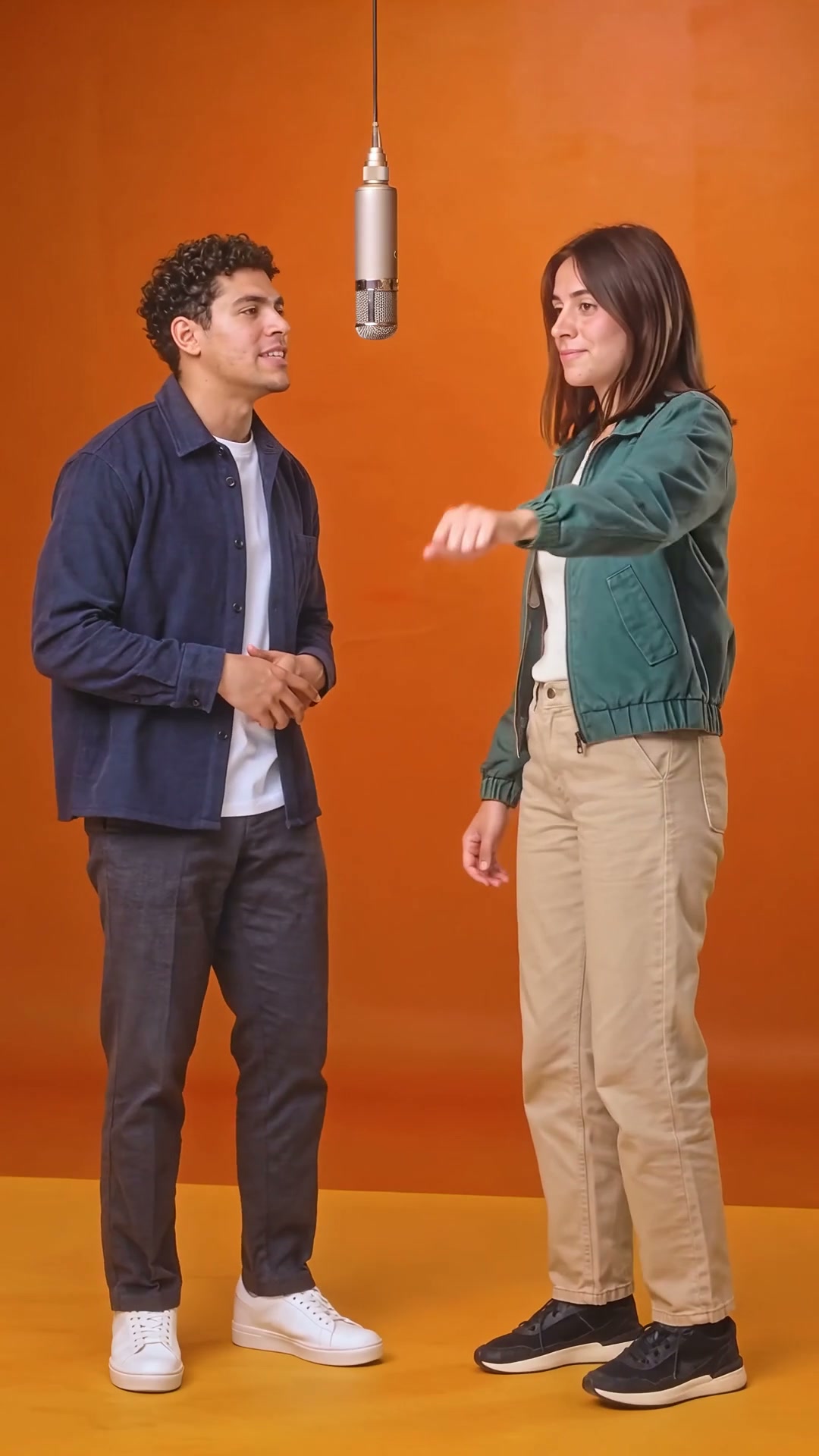 Hotel Lobby AI Video Examples ↗
A Hotel Lobby AI video idea starts with a scene that the viewer can understand immediately: two distinct subjects, a shared setting, and a clear relationship between them.
The reference clips on this page are useful for studying that composition.
Notice where each subject stands, how much space surrounds the faces, and whether the background supports the interaction.
You can use those observations to describe your own shot without treating a reference as a finished specification.
Begin with the mood you want to communicate, such as a relaxed exchange or an expressive performance, then choose the details that make that mood visible.
Warm orange lighting can be part of the brief, but the subjects should remain the focus.
Use the two portrait slots above to send separate identity references to the video agent.
Matching an exact reference performance requires an appropriate motion reference and a review of the generated result.
Compare each example video with its two source portraits before writing a prompt.
Look at the framing first: are both subjects visible at the same time, and is one face noticeably closer to the camera?
Then look at the pacing, gestures, and use of empty space.
A useful reference note might say that you prefer a steady camera, a balanced pair, and one simple interaction.
That is more actionable than asking for every detail of an entire clip at once.
The everyday, silver-haired, streetwear, and cat examples show different visual subjects, but their presence here does not confirm that this tool supports each category or can duplicate their results.
These clips are attributed to hotellobbyvideo.com and were not generated by this website.
Use them to compare creative choices, and keep the original source in mind when discussing the look.
Separate what you observed in a reference from what you intend to request in your own generation.
For example, a creative brief could describe two adults standing side by side in a warm orange interior, exchanging a small glance while the camera holds a medium shot.
For a two-person scene, choose one clear portrait for each intended role.
A face that is easy to see gives you a better starting point for reviewing the composition, even though it cannot guarantee a particular generation result.
Compare the photos side by side and consider whether their crop, camera angle, and lighting fit the same brief.
If one portrait is tightly cropped and the other includes the whole body, decide which framing you actually want before continuing.
Avoid placing important facial details at the very edge of an image.
Keep an unchanged copy of each original so you can return to it when comparing revisions.
You should also write down which person belongs on the left and which belongs on the right.
The form requests person 1 on the left and person 2 on the right, preserving the order of the two uploaded portraits.
Review the generated clip to check that the requested positions and identities were followed.
Build your video prompt in a simple order: subjects, setting, action, camera, and lighting.
Describe the subjects without adding details that contradict your input images.
Name the setting and the distance between the two people, then choose one action that can be read clearly.
Finish with the camera behavior and the atmosphere you want.
This is an example of prompt structure, not a tested recipe for a Hotel Lobby effect.
If you want several actions or a changing camera angle, first decide which moment matters most.
A focused brief is easier to compare with a result because you can tell whether that specific moment came through.
Keep your description consistent across revisions so that you know exactly which creative choice you changed.
The two-photo form at the top of this page starts a creation conversation with a model available under the current video provider settings.
Add both portraits, describe your shot, and inspect the duration, resolution and aspect ratio controls.
Available inputs and settings depend on the selected model and its configuration, so use the actual controls as your guide.
The two images are submitted as distinct identity references in the same conversation.
Before submitting a task, check the visible options and any cost information presented for that request.
This page does not promise a fixed price, a free allowance, a particular resolution, or a completion time.
If a setting you need is absent, adjust your brief to the supported input rather than assuming that a longer prompt will enable it.
Keep the conversation focused on the intended shot so that later changes can be understood in the context of the same creative direction.
When you have a result to review, watch the entire clip once before judging individual frames.
Ask whether the intended interaction is understandable and whether the two subjects remain visually separate.
Then watch again with a narrower checklist: face appearance, hand position, clothing, background, and camera movement.
Look at the beginning and ending as carefully as the middle, because an otherwise useful moment may be difficult to use if the opening or closing does not fit your plan.
Compare the result with your original brief rather than only with the reference video.
If you revise the request, identify the most important issue first and describe the change in concrete terms.
For example, ask for a steadier camera or more space between the subjects instead of simply requesting a better result.
These review steps are a creative checklist, not a guarantee that a model will preserve identities or follow every detail.
Think about where the clip will be viewed before finalizing the composition.
A portrait frame and a wider frame leave different amounts of room around two people, so the intended crop belongs in your creative brief.
Keep important gestures and faces away from areas that may be covered by captions or interface controls.
After choosing a result, review it at the size your audience is likely to see rather than only in an enlarged preview.
Treat audio as a separate creative decision: decide whether you want silence, your own recorded sound, or another track you are allowed to use.
An example clip with sound does not mean this website supplies that recording or grants permission to reuse it.
There is no original song or source clip package offered here.
Before sharing, check that the visual context and any added caption describe the work accurately and do not present a reference example as your own generated output.
Use portraits that you are entitled to upload and transform, and ask the people pictured before involving them in your project.
Keep a note of the source of each image and audio asset so that your creative decisions remain traceable.
If you are working with someone else, agree on the intended use of the result before you start preparing materials.
This is particularly useful when a casual visual experiment later becomes something you want to share publicly.
Hotel Lobby AI Video brings the examples, photo preparation notes, and two-photo form together on one page so that you can move from an idea to a clearer brief.
The form passes separate identity references into the existing video agent; the generated scene still needs review.
Return to the examples for visual comparison, use the photo guide to check your materials, and read the FAQ to prepare your next request.
The concept / 01
Upload each person in a separate slot. Both photos stay in order when you continue to the video agent.
Use one image for each person, with visible faces and enough separation from the background to recognize them.
Person 1 is requested on the left and person 2 on the right. Add any further direction in the scene description.
Continue in the conversation and review both identities, positions, and movement in the generated clip.
Photo guide / 02
Prepare a separate portrait for each person. Clear inputs help guide the scene; output quality still depends on the model and photos.
Do both people remain recognizable and correctly assigned to left and right?
Does the orange-toned duo composition match the intended look without hiding either subject?
Are the input images yours to use, and are any clip or audio rights resolved before publishing?
Use this checklist to review the generated clip before keeping or sharing it.
Questions / 03
How to prepare two photos and continue with the video agent.
Yes. Add one photo in the Person 1 slot and one in the Person 2 slot. Sign in first; then submit both as separate identity references.
Supported subject types are still pending validation. This page does not promise support for people, pets, characters, or any other category.
No source clip or song is provided here. The rights and availability of any future video or audio materials have not been established.
Only use images you have permission to upload and transform. If another person appears, ask them first and follow any applicable rules for their image.
Stay with the idea